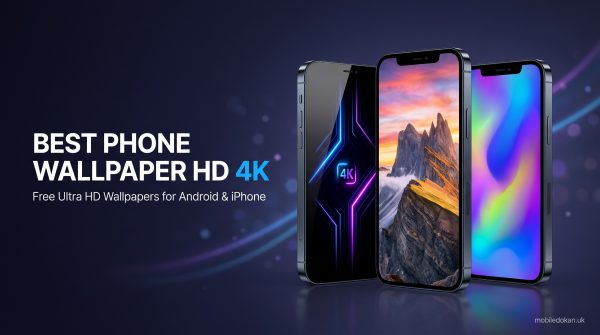
Best Phone Wallpaper HD 4K: You unlock your phone around 80 times per day, and the wallpaper is the first thing you see each time. So why do we keep the default image on our devices for years? Generally, it is in pursuit of a good wallpaper that we spend hours searching, downloading images that seem great on the preview. Once opened, they are of low resolution, stretched or even have visible watermark.
In this guide, you will find out:
- What are the characteristics of a good HD 4K mobile wallpaper?
- How to find reliable sources to download the perfect mobile wallpaper?
- How to set a good-quality wallpaper without it being pixelated on your particular device?
Whether you need a dark wallpaper for your AMOLED display or you prefer a neat minimalist design, the tips below will help you achieve the perfect image to set as a mobile wallpaper.
Read More:
- Samsung Galaxy A57 5G Price In Bangladesh 2026
- Nothing Phone (3a) Price In Bangladesh Today 2026
- Huawei Mate 80 Pro Max Wind Price In Bangladesh 2026
- Infinix Note 60 Ultra Price In Bangladesh 2026
- Vivo X300 Ultra Price In Bangladesh Official 2026
What Does 4K Actually Mean?
Let’s start with the basics that many confuse or are unsure about. 4K is generally a term that refers to a display device or a video/image with a resolution of 3840 × 2160 pixels, equal to around 8.3 million pixels. The name for this type of image on the consumer level is also called Ultra HD. So when you see the phrase ‘4K Ultra HD wallpaper’, that means a resolution of 3840 × 2160 or similar.
Do I Really Need a 4K Wallpaper for My Phone?
Technically, there is no need since most mobile devices nowadays do not have such a high resolution on their displays. Most flagship phones have a resolution of 1080 × 2400 (Full HD+), 1440 × 3200 (QHD+) or similar.
But there are several reasons for going with a 4K image:
- There is a good chance that your phone has a higher resolution display than you think
- You can scale the image down without losing as much quality
- It will provide a good amount of headroom for cropping and positioning the wallpaper since most mobile wallpapers are vertical
About 64K Ultra HD…
It is highly unlikely that you will find a 64K monitor or TV for your phone, and there is no official standard for it yet. The term ‘64K Ultra HD’ mostly stems from a misunderstanding or a typo because 64K would equal 65536 × 36864 pixels. A safe assumption would be that someone who wrote 64K meant 4K. However, if a website is advertising 64K wallpapers for mobile devices, it is best to approach it with caution since it might turn out to be a scam.
How to Choose the Best Phone Wallpaper HD 4K
A wallpaper is not only the pretty image in the background; it also needs to complement all the other elements on the screen. Below are a few requirements for a good mobile wallpaper.
1. The Aspect Ratio Should Match Your Screen
Most modern phones have a 19.5:9 or 20:9 ratio, so it is best to look for images with a similar proportion. You will notice that most 4K wallpapers online are in 3840 × 2160 (the same ratio as 2160 × 3840) which is perfect for most devices.
2. Good Detail and Clarity
A good sign of a good image is that there are no jagged edges when zooming in on the preview and, more importantly, on the full-size image.
It is best to avoid wallpapers that have unnatural-looking edges and use colors in a strange way as it often means that the image is artificial and does not have a high resolution.
3. Keep the Icons in Mind
If you have many icons on your home screen and you use a 4K wallpaper, it will be harder to make the icons stand out. A good idea if you have a lot of icons is to choose a wallpaper with a more contrasting background or one with a minimalist design.
4. AMOLED vs LCD
If you have an OLED/AMOLED display, you might want to consider using dark wallpapers since they utilize less power on such a screen.
Best Phone Wallpaper HD 4K for Android
When it comes to Android, there are plenty of customization options, so let’s focus on the themes that are particularly well-suited for the operating system.
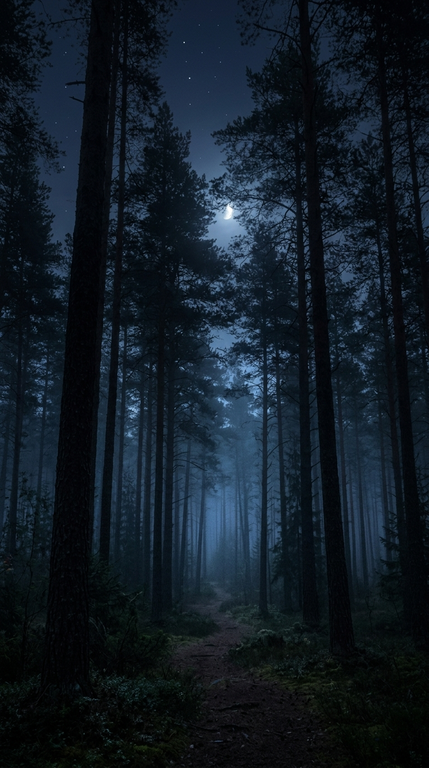
Nature and Landscapes
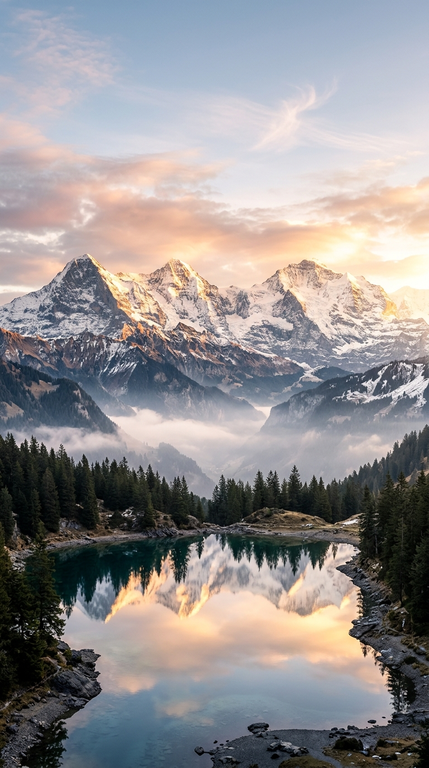
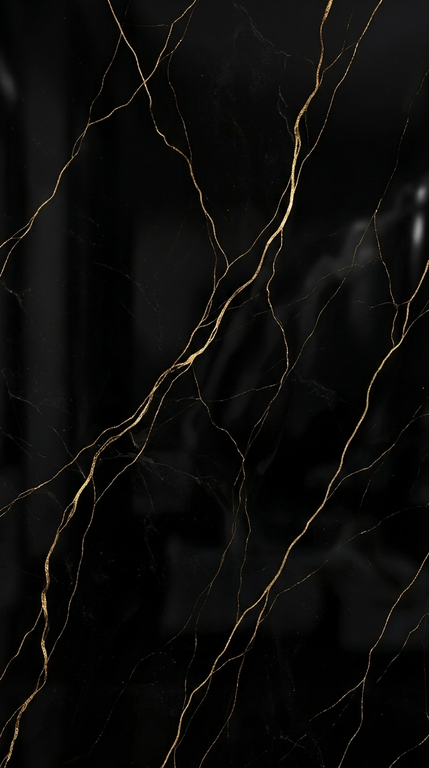
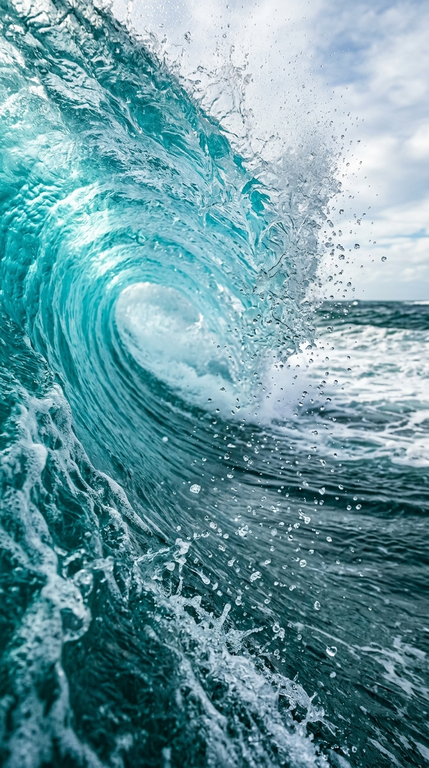
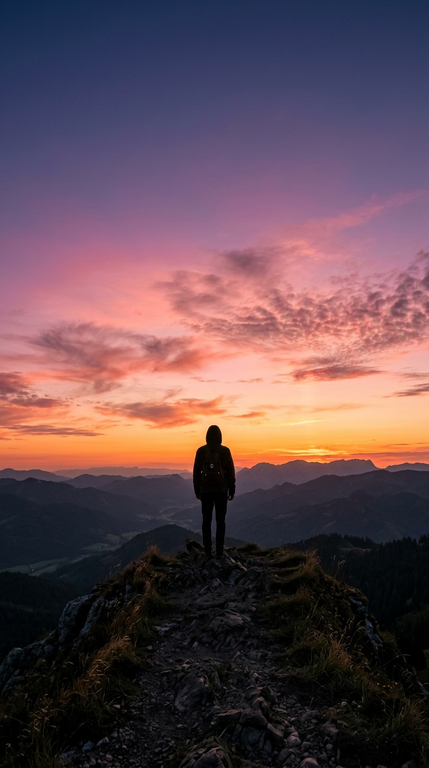
Images of nature and the outdoors are usually a safe pick since they often have a great amount of detail in them, which is necessary for a 4K resolution. They also tend to make application icons stand out well.
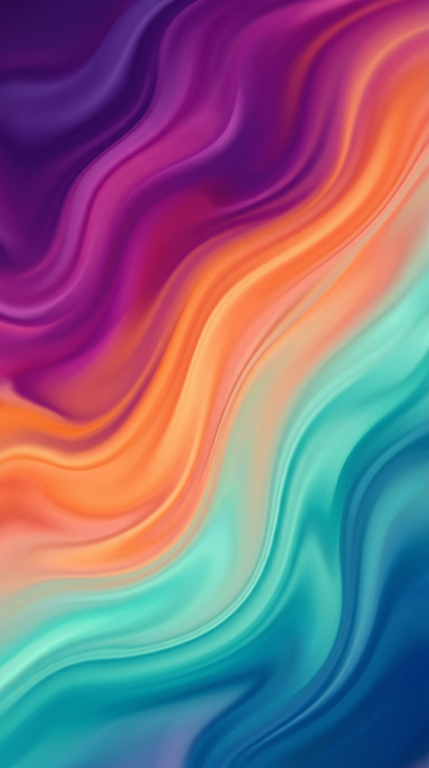
Abstract and Gradient
Many Android users like to use abstract and gradient wallpapers since they do not often conflict with other elements on the screen and provide a calm atmosphere. They also tend to have a nice resolution.
Minimalist
Minimalist wallpapers usually have a single element or detail in them and work great as mobile wallpapers.
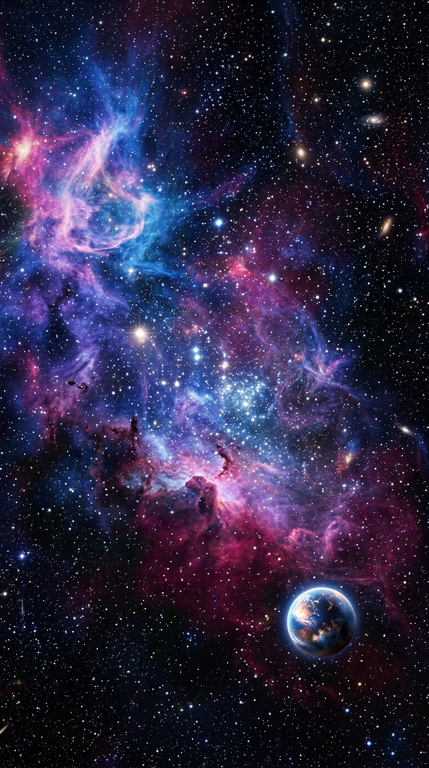
Space and Astronomy
Images of space, stars and other celestial bodies often have dark backgrounds which is great for AMOLED displays. The detail in them is usually good enough for 4K.
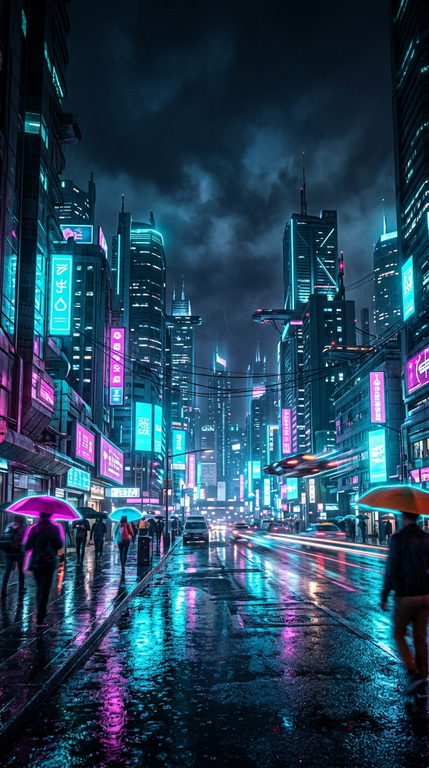
Cityscapes and Architecture
Pictures of city skylines, buildings, and structures often have neon lights in them that look great on a dark background. Just make sure that the wallpaper will not have any bright elements where the clock and widgets will be.
A quick tip for Android users: since many launchers allow setting a different wallpaper for the home screen and the lock screen, use a busy image for the former and something less detailed for the latter.
Mobile Wallpaper 4K Ultra HD Black: Everything You Need to Know
One popular type of mobile wallpaper is the black one. Below are some advantages of using them along with tips for choosing the best black wallpaper.
Pros of Using Black and Dark Wallpapers
- They look fantastic on AMOLED displays
- They are easier on the eyes in the dark
- They usually have a nice resolution
- They pair well with widgets and dark theming
Variations of Black Wallpapers
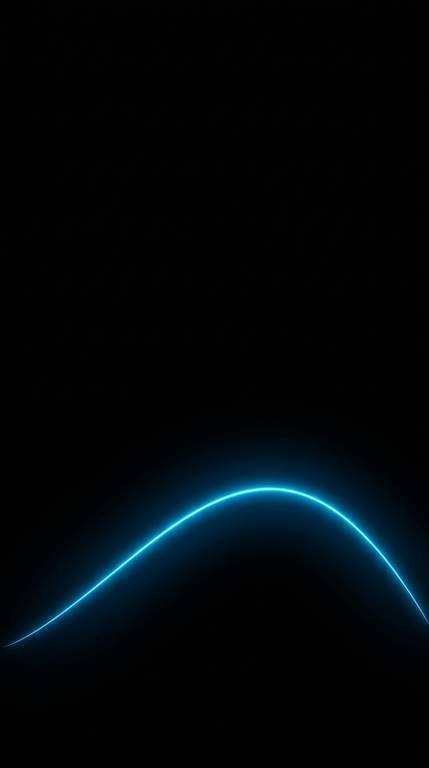
- Solid black with a detail, such as a logo or a line in another color
- Textured black
- Black and neon
- Dark nature
- Black marble or smoke
Note: A good way to hide banding in a dark wallpaper is to use a higher quality image. Very compressed dark wallpapers may have uneven shadows on a good screen.
Where to Buy/Safely Download HD 4K Wallpapers
Downloading a wallpaper is easy, but it is best to know what to look for in a good image. Below are some tips for finding the best mobile wallpapers online.
What to Look For
A good source of wallpapers is always a plus, so it is best to stick to photography/image communities and popular bloggers or designers. These people usually list a good resolution and a way to download an image in its original size.
What to Avoid
- Pop-up sites
- Watermarked images
- Images with a forced browser extension
- Images that are an unrecognized file type (.exe, .zip, etc.)
What About Copyrights?
In most cases, images found on the web are safe for personal use, such as using them as a wallpaper for your phone. If you want to use them on an official website, in a video, or any other public place, it is best to contact the author of the image.
Free Images vs Paid Collections
There are many good 4K free images, so it is best to stick to them if you want to avoid any copyright issues. Only purchase a collection if you plan on using all the wallpapers from it since most paid collections have wallpapers designed by the same person.
Mobile Wallpaper 4K Ultra HD Free Download: How to Do It
Now that you know where to look, let’s discuss how to download a mobile wallpaper.
Android
- Open any image in your browser.
- Right-click the image and click View Image or something similar to open the image in a new tab.
- Right-click the image again and select Save image as or something similar.
- Go to your Gallery app and find the image you saved.
- Click on the three-dot menu and select Set as wallpaper.
- Choose the screen you want to set the wallpaper for, or both.
iOS
- Open an image in full-screen view.
- Long-press until a context menu shows up and select Add to Photos.
- Open your Photos app, select the image and click the Share icon.
- Select Use as Wallpaper.
- Set your wallpaper and click Done.
Make sure to always save the image at the highest resolution available. Avoid saving images by taking a screenshot since it will greatly reduce the image quality.
Additionally, if possible, avoid sharing or saving them via messaging apps since they might also compress the image.
How to Set Up Your Wallpaper So It Looks Great on Your Device
A good wallpaper should look great, but even the best images can look bad if placed incorrectly. Follow the tips below to make the wallpaper look its best.
Positioning Is Key
When the phone prompts you to crop or position your wallpaper, avoid putting any interesting elements in the top third of the image, as well as the bottom, since the clock and widgets will be there.
Avoid Applying Extra Effects if They Lower the Quality
Some phones offer extra effects, such as dimming the wallpaper, applying blur or “wallpaper dimming in dark mode.” If they make the wallpaper look worse than the preview, disable them in the wallpaper settings.
Scrolling Wallpapers
If your launcher has an option for scrolling through home screens, the wallpaper image will need to have extra width, or it will stretch to the sides. If you want to avoid this effect, make sure to disable it in your launcher settings.
Change Your Wallpaper Often
A wallpaper should be changed every few weeks to keep the phone’s interface fresh. Some launchers even have an option for auto-changing wallpapers, which is a great way to enjoy a variety of images without putting in any effort.
Common Mistakes People Make When Downloading 4K Ultra HD Mobile Wallpapers
Below are a few mistakes that people often make when downloading and using 4K mobile wallpapers.
Downloading the Wrong Proportion
It is best to avoid 4K wallpapers in landscape orientation since there are few elements that can be placed on the sides. It is best to stick to vertical wallpapers of 3840 × 2160 or similar proportions.
Looking at Previews That Hide Flaws
As mentioned above, many websites use low resolution previews to entice users into downloading their image. Always open the image in a new tab to make sure that there are no unpleasant surprises.
Not Paying Attention to Widgets
Beautiful wallpapers can turn out to be ugly when the widgets are placed on top of unneeded elements. Remember to always test the wallpaper with the widgets turned on in the same place that you will use it.
Using Very Bright Images at Night
Very bright images may look great during the day, but they can strain the eyes at night. If you plan on using a wallpaper at night, remember to choose dark images.
Storing Too Many Wallpapers
They can discreetly take up gigabytes of storage. Only keep the wallpapers that you like.
Top Questions Answered
What Resolution Is Best For a Mobile Wallpaper?
There is no one-size-fits-all resolution for a mobile wallpaper, but it is best to stick to anything between 1080 × 2400 and 2160 × 3840 pixels. The 4K resolution of 3840 × 2160 has enough headroom for most modern phones.
Does a 4K Wallpaper Drain Battery?
No, a wallpaper cannot make your phone battery drain to any significant degree. A 4K image is mostly static, and even if it is animated, it will not put any noticeable load on the processor. On OLED screens, dark wallpapers may last slightly longer than light ones.
Are 4K Wallpapers Free to Download?
It depends on the website, but there are many free high-resolution wallpapers on the web. Always check the copyrights if you plan on using an image beyond a wallpaper.
Why Does My 4K Wallpaper Look Pixelated?
The resolution of an image may not actually be that high; it may have been compressed when being sent through a messaging app, or it was stretched to the dimensions that are incompatible with your screen.
What Is the Best Wallpaper for AMOLED Displays?
The best mobile wallpapers for AMOLED displays are dark, with actual black pixels in them.