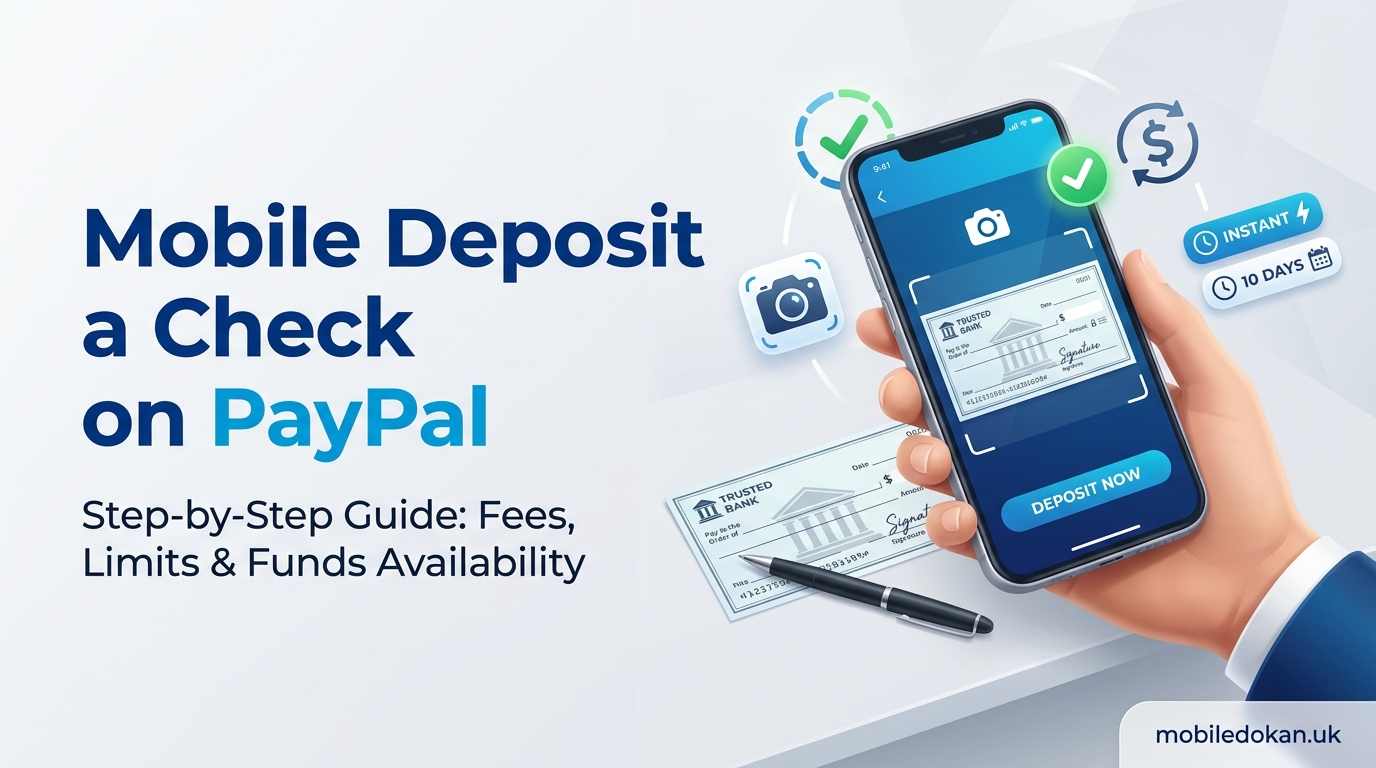
How to Mobile Deposit a Check on PayPal: You’re holding a paper check, with no branch nearby and a PayPal account on your phone. Can you skip the commute and deposit this from the comfort of your living room? Often, yes. PayPal allows eligible accounts to deposit a check using the app by photographing it for a mobile deposit. There are a few gotchas: fees, limits, deposit timelines, and what to write on the back of the check. This guide walks you through how to mobile deposit a check on PayPal from start to finish. Also shares what, if any, fees apply, how long it takes for the money to show up, and what to do if you don’t have a bank account.
Can You Mobile Deposit a Check on PayPal?
Short answer: yes, if your account is eligible. You can deposit a check into your PayPal balance by photographing the front and back of the check in the PayPal app. The feature is called “Cash a Check” or “Deposit a check,” depending on your account. PayPal’s check feature is powered by a third-party check-processing service called Ingo Money, which is why you might also see the name Ingo when using the feature. Some limitations are set by Ingo and not directly by PayPal.
There are a few important notes to know before you begin:
- The feature is currently intended for US checks and accounts.
- Not all accounts will see the feature. PayPal can enable, disable, or limit the feature for any account.
- Checks will always be deposited to your PayPal balance, not to a bank account.
- If you don’t see the feature in your app, your account may not yet be eligible. We’ll go into more detail later.
Read More:
- Samsung Galaxy A57 5G Price In Bangladesh 2026
- Nothing Phone (3a) Price In Bangladesh Today 2026
- Huawei Mate 80 Pro Max Wind Price In Bangladesh 2026
- Infinix Note 60 Ultra Price In Bangladesh 2026
- Vivo X300 Ultra Price In Bangladesh Official 2026
What You Need Before You Deposit a Check
You’ll need these things to make a mobile deposit:
- The PayPal app, updated to the latest version
- A verified PayPal account
- The check itself, in good condition
- A pen with dark ink to endorse the check
- A dark surface to lay the check on, like a table or piece of paper
One thing I’ve noticed: the number one reason for deposit rejections is a blurry or poorly lit image of the check. Spend an extra thirty seconds on this step, and you’ll save yourself a lot of hassle later.
How to Mobile Deposit a Check on PayPal: Step by Step
Depending on your app version, the names and locations may vary slightly, but it should look something like this.
Step 1: Open the PayPal App and Find the Check Option
Log in to the PayPal app and look for “Cash a Check” or “Deposit a Check.” It’s often tucked in the menu or along with your wallet or balance options. If you can’t seem to find the option, try searching the help section for “check.”
Step 2: Enter the Check Details
The app will prompt you to enter the amount of the check and occasionally the type (payroll, government, personal, etc.). Make sure to enter the amount as it appears on the check itself. Mismatched amounts are another frequent culprit for deposit rejections.
Step 3: Endorse the Check
Before you take any photos, make sure to sign the back of the check. We’ll go more in-depth on endorsing checks later in this guide.
Step 4: Photograph the Front and Back
The app will walk you through this step, but there are a few important details:
- Make sure to place the check on a dark surface.
- Hold your phone parallel to the check. Avoid angling it upwards or to the side.
- Make sure to capture the entire check, including the corners.
- Hold still until the app captures or you take the photo.
- Repeat this step for the back of the check.
If any of the numbers or your endorsement appear blurry, you’ll need to retake the photos.
Step 5: Choose Your Deposit Speed
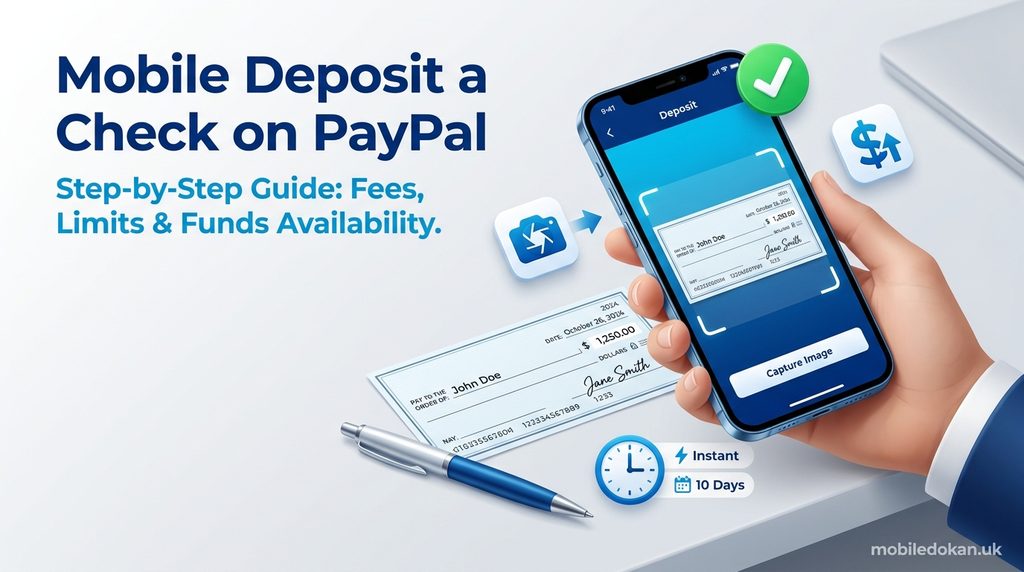
PayPal will usually give you two options: a free, slower deposit or a faster one for a fee. The standard deposit usually takes up to 10 days, while instant deposits typically arrive within minutes. The fee will vary depending on the check, but will almost always be a percentage of the total amount deposited, with a minimum of $5. The app will show you the exact fee and the amount you’ll receive before asking you to confirm. You can’t accidentally choose a fee you’re not comfortable with.
Step 6: Review and Submit Your Deposit
Review the amount and the speed you selected, and then approve the submission. You’ll receive a confirmation, and your deposit will appear in your PayPal activity as “pending” until it’s been approved.
Step 7: Save the Check Until Later
Don’t throw the check away just yet! Keep it somewhere safe and clearly marked as deposited for at least a couple of weeks or until the money shows up in your account. Some people like to write “deposited” and the date across the front of the check before shredding it. Never attempt to deposit the same check twice, or deposit it anywhere else.
How to Endorse a Check for Mobile Deposit on PayPal
Endorsing a check is a frequently overlooked step, and the cause of many rejections. Fortunately, it’s an easy fix. Here’s what to do:
- On the back of the check, find the endorsement area (usually a space at the top of the check, marked with a line or “Endorse here”).
- Sign your name as it appears on the front of the check under “Pay to the order of.”
- Write “For mobile deposit only” beneath your signature. Some people also like to write “PayPal” and the current date. Always follow the instructions the app gives you, as they often take precedence. Make sure to keep your signature and any additional information you’re instructed to write within the endorsement area; writing outside of this area can cause your deposit to be rejected.
If the check is made out to two people, rules vary widely. Often if the two names are joined by an “and,” both people need to endorse the check. If you’re unsure, contact the person who wrote the check, or consult the in-app instructions.
How Much Does PayPal Charge for Mobile Check Deposit?
This will depend on the choice you made in step 5 above. Here’s a rough guide:
| Deposit type | Typical fee | Money availability |
|---|---|---|
| Standard | $0 | Up to 10 days |
| Instant, payroll/check/government/tax refund | ~1% of the amount deposited (minimum $5 fee) | Within minutes |
| Instant, other accepted checks | ~5% of the amount deposited (minimum $5 fee) | Within minutes |
Here’s what that looks like in practice. Say you deposit a $1,000 paycheck and want it instantly: at 1%, that’s $10, so you’d receive $990. If it’s a $1,000 personal check at 5%, the fee is $50, so you’d get $950. Waiting 10 days costs nothing.
My recommendation? Unless you need the money urgently, always go with the free option. The instant deposits are convenient, but percentage-based fees can add up for larger deposits. Always double-check the exact fee in the app before submitting, since these fees are subject to change.
Does PayPal Cash Checks Instantly?
Yes, for a fee. You’ll need to pay a fee to have your deposit processed instantly, and availability of this option varies by check. The “instant” option makes funds available in your PayPal balance within minutes in many cases, but it’s not guaranteed for every check, and approval can vary.
Keep these things in mind:
- PayPal does not offer check-cashing services. You cannot walk into a PayPal branch and have a check cashed for you.
- “Instant” means instant availability in your PayPal account. If you want cash, you’ll need to transfer the money elsewhere (a bank account, debit card, or PayPal cash-out method), which may also take time or have fees.
- If a check has been flagged, your availability may be delayed even with an instant deposit, so always review the timeline on the confirmation page.
PayPal Mobile Check Deposit Limit
Limits are always a tricky subject, since they vary from account to account. Many sources cite a limit of
- Up to $2,500 per check,
- up to $5,000 per day,
- and up to $15,000 per month
But not all sources agree. Some say the per-check amount is higher, and some say new accounts have lower limits. The app will always tell you if your deposit amount is too high, but it’s a good idea to keep these numbers in mind as a general guideline. Larger checks or checks that require additional review may need to be deposited using a different method, such as direct deposit, a bank’s mobile deposit feature, or a bank branch.
There are a few ways to help increase your limit:
- Fully verify your account (identity and associated accounts)
- Use your account regularly in good faith
- Avoid disputes or account holds
PayPal Mobile Check Deposit Funds Availability
How long does it take for a check to clear? It depends on the speed you choose and the check itself.
- Instant option: typically within minutes of approval
- Standard option: commonly up to 10 days, but sometimes less
- Flagged or manually reviewed checks: can take longer
Some of the things that can slow down a deposit include:
- Blurry or incomplete images
- Mismatched amounts
- Missing or incorrect endorsement
- New account with little history
- Large checks or unusual check types
Until your funds have cleared, you’ll usually see the deposit listed as pending in your activity. Avoid spending money you haven’t received yet, since checks can still be returned, and the amount can be removed from your account.
How to Mobile Deposit a Check on PayPal Without an Account
Unfortunately, you can’t. PayPal requires a PayPal account to deposit a check using the mobile deposit feature. The money always goes to a PayPal balance, and there is no guest or unregistered option.
The good news is that setting up an account is fast and simple. You’ll need an email address, a phone number, and basic personal information, and then you’ll need to verify your identity. Since check-deposit eligibility depends on your account status, it’s always a good idea to set up and verify your account ahead of time, rather than waiting until you have a check in hand.
If you can’t set up a PayPal account for some reason, other options may include:
- Depositing the check at a bank or credit union branch or ATM
- Using a bank’s mobile deposit feature
- Having the check cashed at the issuing bank (many banks will cash checks for non-customers for a fee)
- Using a check-cashing store (often with high fees)
How to Mobile Deposit a Check on PayPal Without a Bank Account
Your answer here is much more positive: you don’t need a bank account to deposit a check with PayPal. The money will always go to your PayPal balance, and a bank account is not required to make a deposit. Where a bank account may be useful is in actually using the money. You can use your balance to pay for things online or send money to friends. To actually withdraw the money, you’ll need a bank account, a debit card, or another withdrawal method. These options and their availability will depend on your location. If you don’t have a bank account at all, a PayPal balance can be a useful short-term measure, but it’s not a replacement for a bank account. Many banks offer low- or no-fee checking accounts suitable for everyday use; if you’re writing or receiving checks often, it’s a good idea to have one.
What Types of Checks Does PayPal Accept?
Eligibility varies by account, but some of the most common checks accepted by PayPal include:
- Payroll checks
- Government checks
- Tax refund checks
- Some personal checks
Checks that are often rejected or have restrictions include:
- Third-party checks
- Checks with missing or altered information (especially starter or temporary checks)
- Foreign checks
- Postdated or stale-dated checks
- Checks that are damaged or illegible
Some sources say business checks are generally not accepted, while others say they’re accepted on a case-by-case basis. The safest option is to try the feature and see if the check type is accepted, or to look for specific notes in the app.
Common Problems and How to Fix Them
The option isn’t in my app. Make sure you’ve updated the PayPal app to the latest version, and that your account is verified. If the option is still not available, your account may not be eligible.
My check was rejected. Make sure to reattempt the deposit using better lighting, and make sure the amount is correct. Always make sure to endorse the check, and make sure the check itself is not damaged.
The funds are taking too long. Always wait the expected amount of time before contacting customer support. If it’s significantly past the expected date, contact customer support with the details of your deposit.
I got an error about limits. Try using a smaller deposit, or wait until the next day or month. If your account was limited after making a deposit, make sure to respond to any requests for additional information.
Safety Tips for Mobile Check Deposits
Check scams are unfortunately common, and small changes in procedure can lead to fraud. Here are some things to watch out for:
- Don’t deposit a check from someone you don’t know, especially if they ask you to send some of the money back. This is a common scam where the scammer will tell you to send some money back, then disappear when the check bounces.
- Never share your account information with anyone who says they need it to “release” funds.
- Make sure to keep the physical check secure until the deposit has gone through, then make sure to destroy it completely.
- Only use the official PayPal app, which should be available in your device’s app store (Apple App Store or Google Play).
Frequently Asked Questions
1. How do I mobile deposit a check on PayPal?
Open the PayPal app and choose the Cash a Check/Deposit a Check option. Enter the check amount, endorse the check on the back, photograph the front and back, choose between free standard or paid instant processing, and submit. The money will be deposited to your PayPal balance.
2. Does PayPal cash checks instantly?
Yes, for a fee. Instant deposits typically cost about 1% of the amount deposited for payroll and government checks, and about 5% for other checks, with a $5 minimum. Free deposits take up to around 10 days to appear in your account.
3. What is the PayPal mobile check deposit limit?
It varies, but commonly it’s around $2,500 per check, $5,000 per day and $15,000 per month. Your limits may be lower, especially if you have a new account. The app will always tell you if you’ve gone over your limit.
4. Can I deposit a check on PayPal without a bank account?
Yes. The money will be deposited to your PayPal balance, and a bank account is not required to make the deposit. You may need one to withdraw the money, depending on your options.
5. How do I endorse a check for PayPal mobile deposit?
Sign the back of the check as it appears on the front, under “Pay to the order of,” and write “For mobile deposit only” beneath your signature.
Conclusion
Learning how to mobile deposit a check on PayPal only takes about five minutes. Endorse the check, take photos, choose your speed, and submit. Always go with the free option if you can, and remember that fees and limits can vary from account to account. If you’re ever unsure about a deposit, always check your account to confirm. Are you ready to try it out? Just open your PayPal app and look for the check deposit option. If your account isn’t eligible, you can always try a bank’s mobile deposit option. Either way, you’ll have your check deposited without having to leave your house.